
以下紀錄如何安裝apache tomcat與開啟(執行) apache tomcat,方法很簡單,先到下述的網站抓取自己想要的apache tomcat版本,我的是 10.0.2:
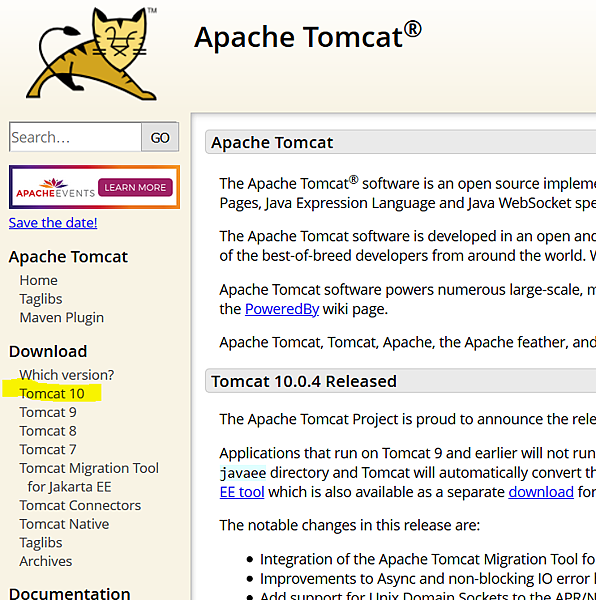
點選下圖中的連結,這邊是選Tomcat 10:
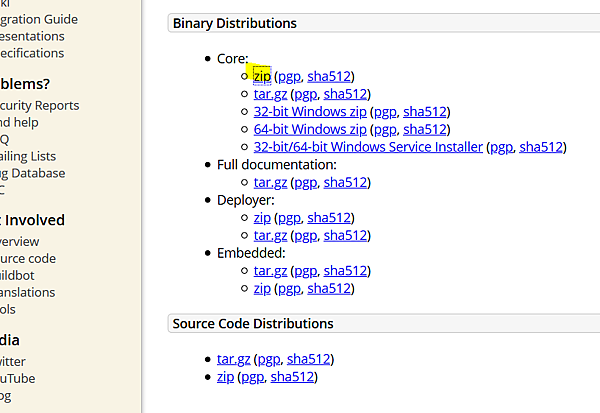
我是直接抓zip:
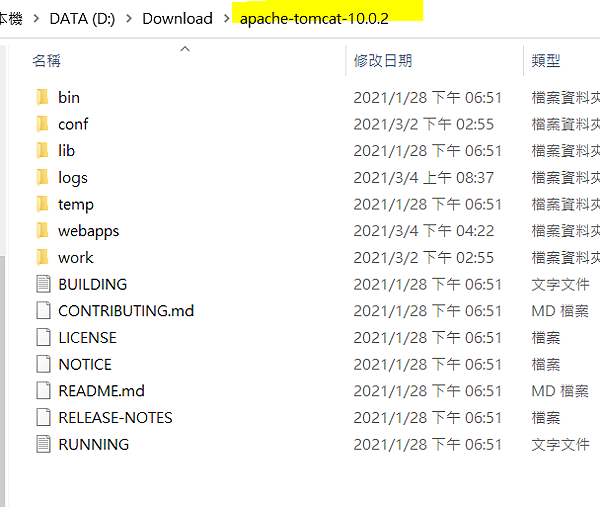
之後解壓縮可以看到 apache tomcat 的資料夾結構:
接著要開啟(執行) tomcat,就是使用CMD模式(命令提示字元),並且來到這個tomcat資料夾下的bin:
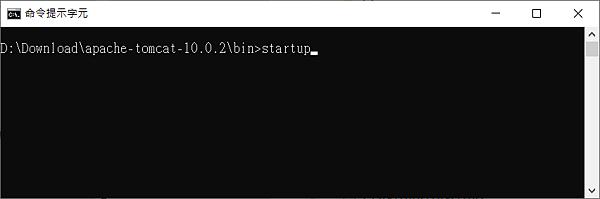
然後輸入指令:
|
startup |
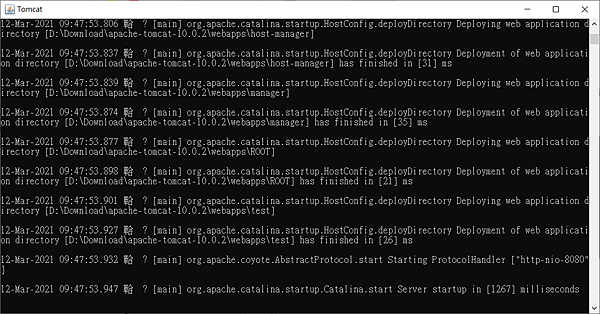
接著來到打開任一個瀏覽器,輸入網址列: localhost:8080
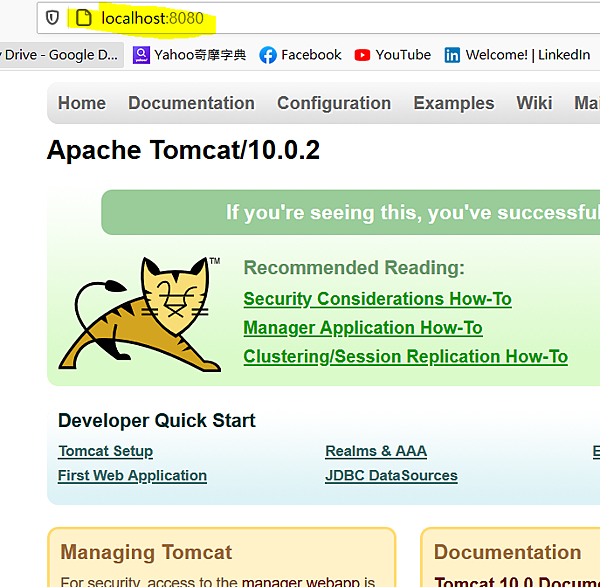
這樣就代表把 apache tomcat 打開了,並且它正在執行中。

請先 登入 以發表留言。